Make every
beat count.
Connect your Pioneer DJ setup to your lighting and visuals. ProDJLink turns track time and tempo into a show that moves with the music.
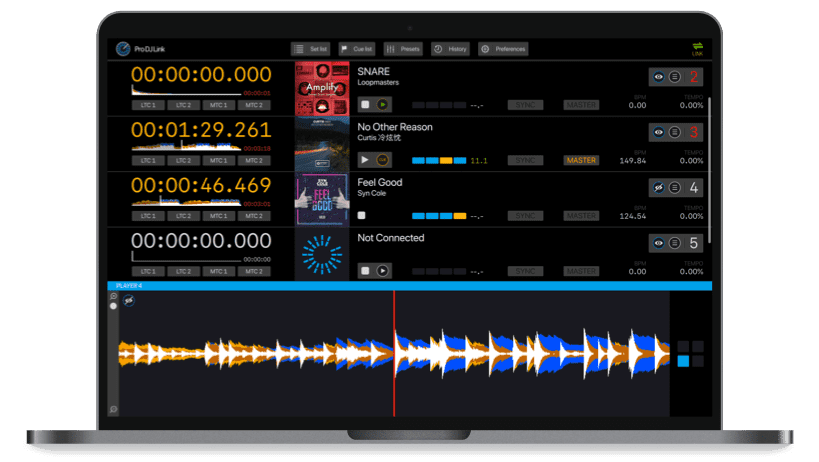
Your setup. Connected. with an ethernet cable or a wireless connection
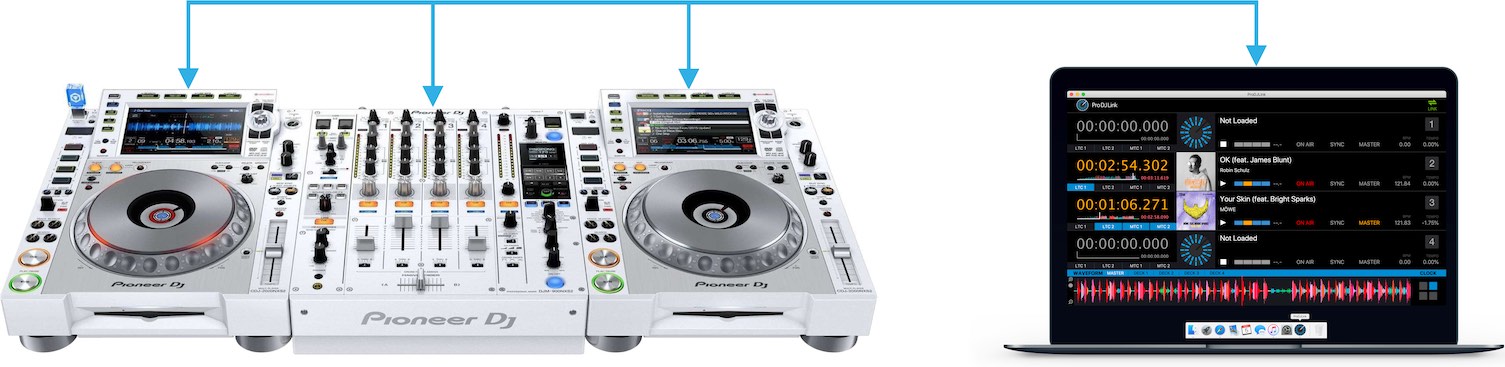
The only thing you have to do is to connect your computer to the same ethernet network as the Pioneer CDJ's. Your computer will automatically participate in the same network.
Bring your show into sync there is no additional hardware required
Designed for precision up to 30 frames per second
Turn your rekordbox-analyzed tracks into the foundation of your show. ProDJLink connects your Pioneer DJ setup to the lighting and visual tools you already use.
Follow the music in real time, syncs your show realtime
ProDJLink communicates with a Pioneer DJ setup and synchronizes with the time displayed on the players. The software sends out signals to other applications and devices to synchronize time and tempo. Use these signals to keep lighting cues and video effects aligned with the performance.
Fits into your workflow Setup ProDJLink with Resolume, Ableton Link, grandMa and others.
Connect ProDJLink to your lighting and visual software using supported synchronization outputs. Explore our step-by-step guides to find the right connection for your setup.




The connections your show needs MTC, LTC, MIDI clock and Ableton Link
ProDJLink is able to connect with the most industry standards for synchronizing shows. This includes synchronization with Ableton Link, Timecode, MIDI Clock and several other applications.
Keep the beat with Ableton Link (Ableton Link)
Ableton Link is a widely used protocol for keeping the tempo and beat alignment of devices in time over a local network. The communication can even be used in combination with mobile Apps. On the Ableton Link help page you can find some of those Apps.
Stay on cue with timecode (Timecode)
Timecode is a signal that sends out the exact time. ProDJLink generates several kinds of live timecode. The application supports two main types of timecode, linear timecode (LTC) and MIDI timecode (MTC).
Share the tempo with MIDI clock (MIDI clock)
The MIDI Beat Clock is the most supported method to synchronize tempo. ProDJLink is able to automatically share the tempo from the Pioneer master deck. The MIDI Beat Clock could also be used for internal routing to other software supporting MIDI.
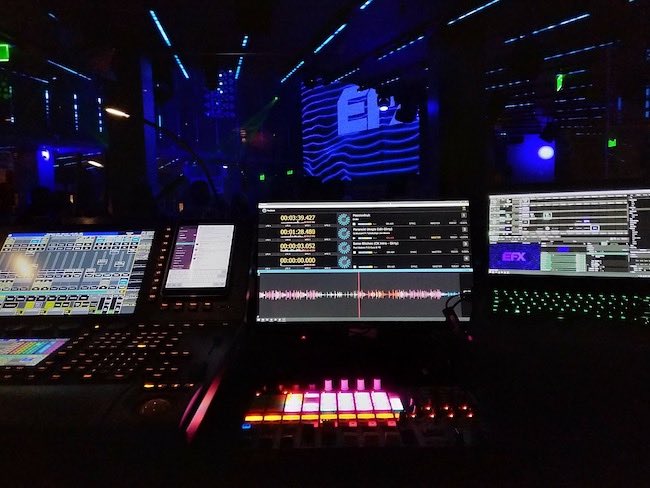
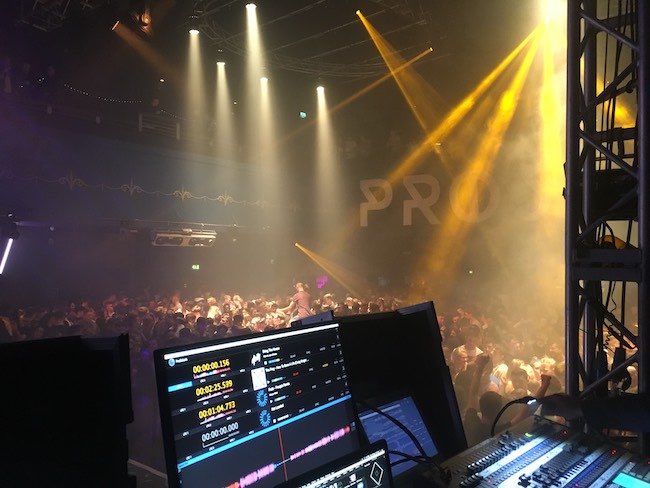
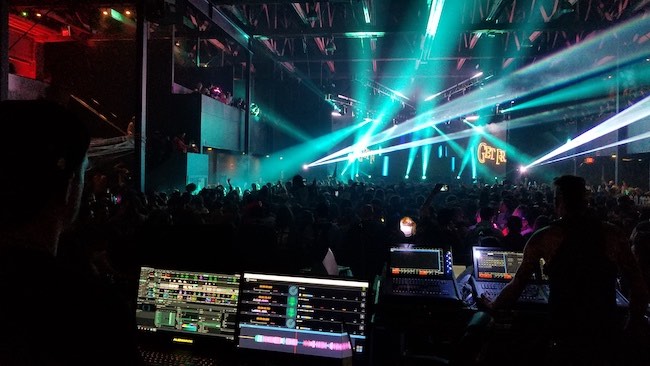
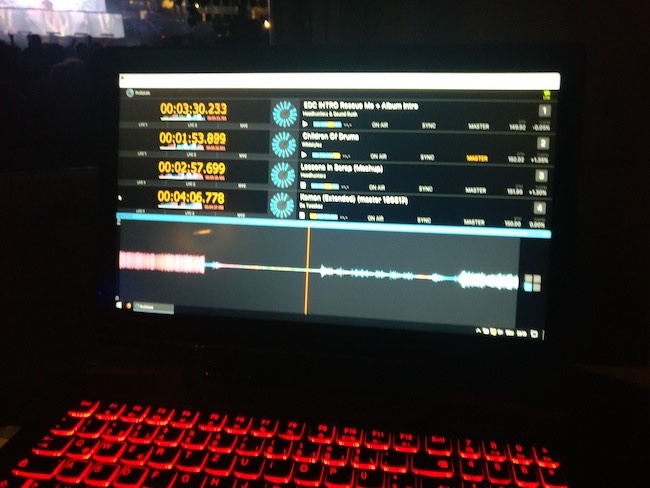
ProDJLink worldwide front of house photos
Have a look at the amazing Front-Of-House photos from festivals and clubs running ProDJLink.
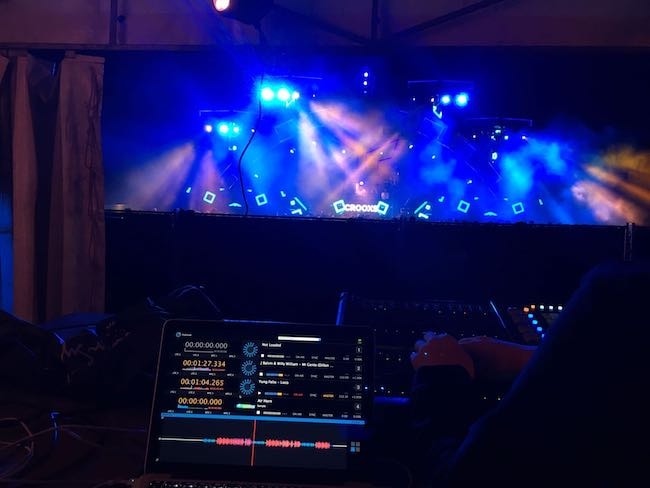
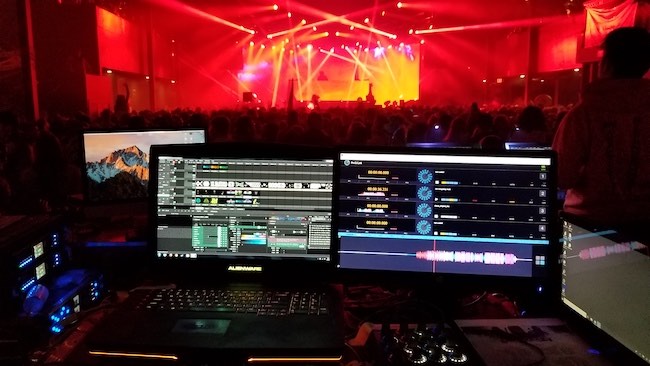
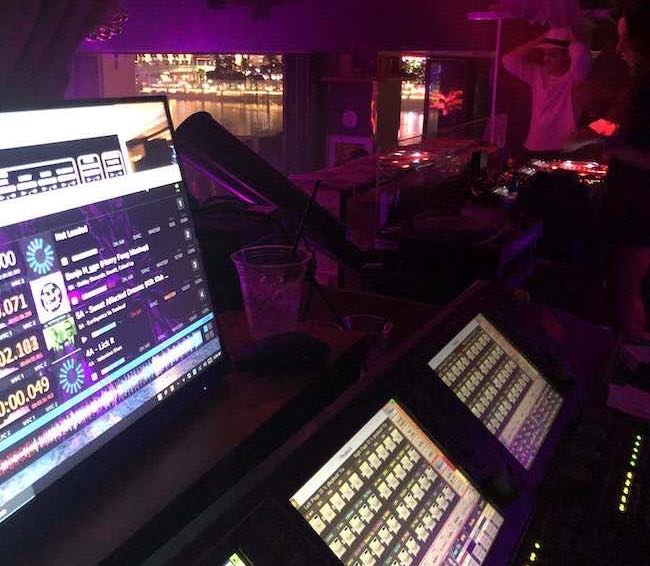
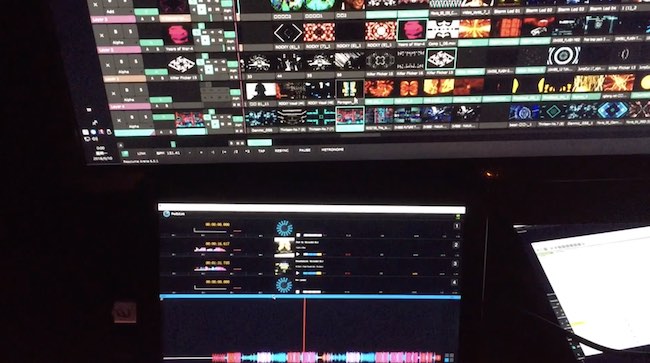
Submit your Front-Of-House photo (FOH)
Keep in touch and receive discounts and updates
Get product updates, release news and occasional offers straight to your inbox.